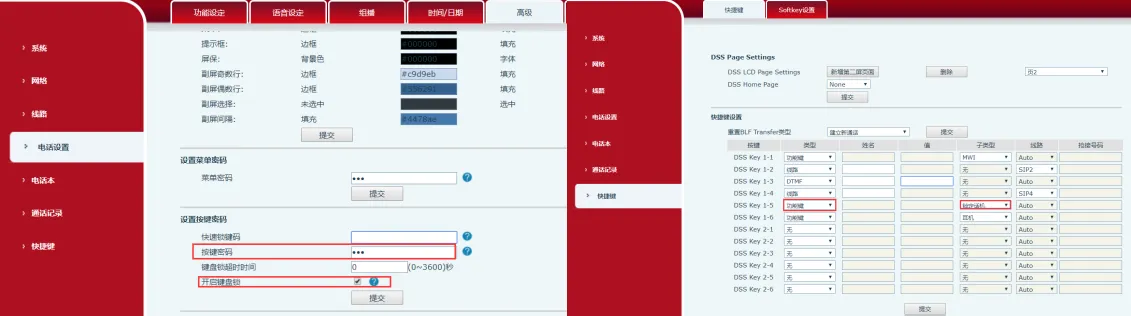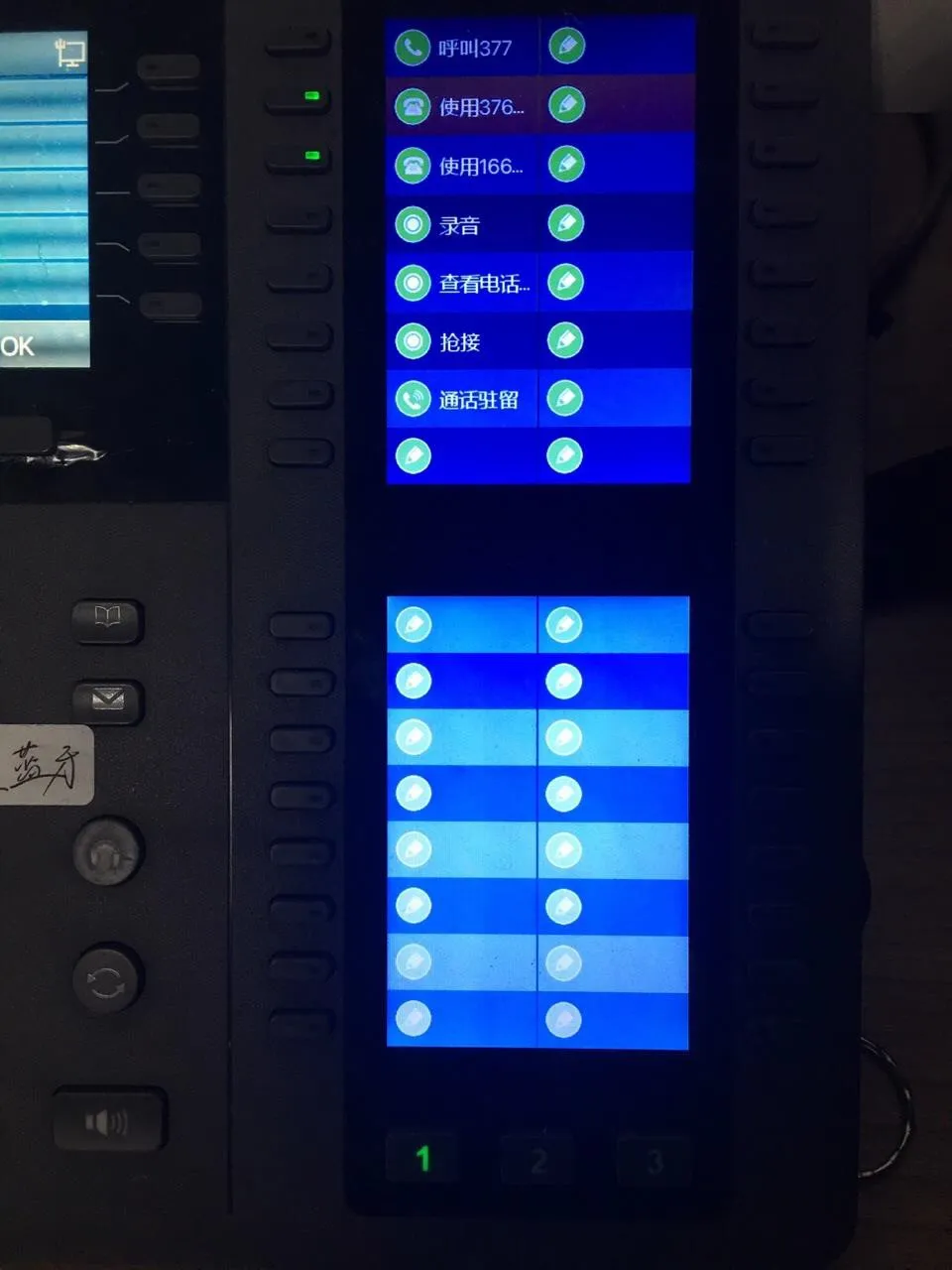
Programmable keys (DSS Keys) are designed to meet users’ customization needs for phone functions. Depending on the model, X Series terminal phones are equipped with different numbers of programmable keys. Some phone models can also be connected to expansion modules, and each key on the expansion module can also be used as a programmable key.
This applies to all models of our phones.
This document is intended for users who need to configure DSS keys.
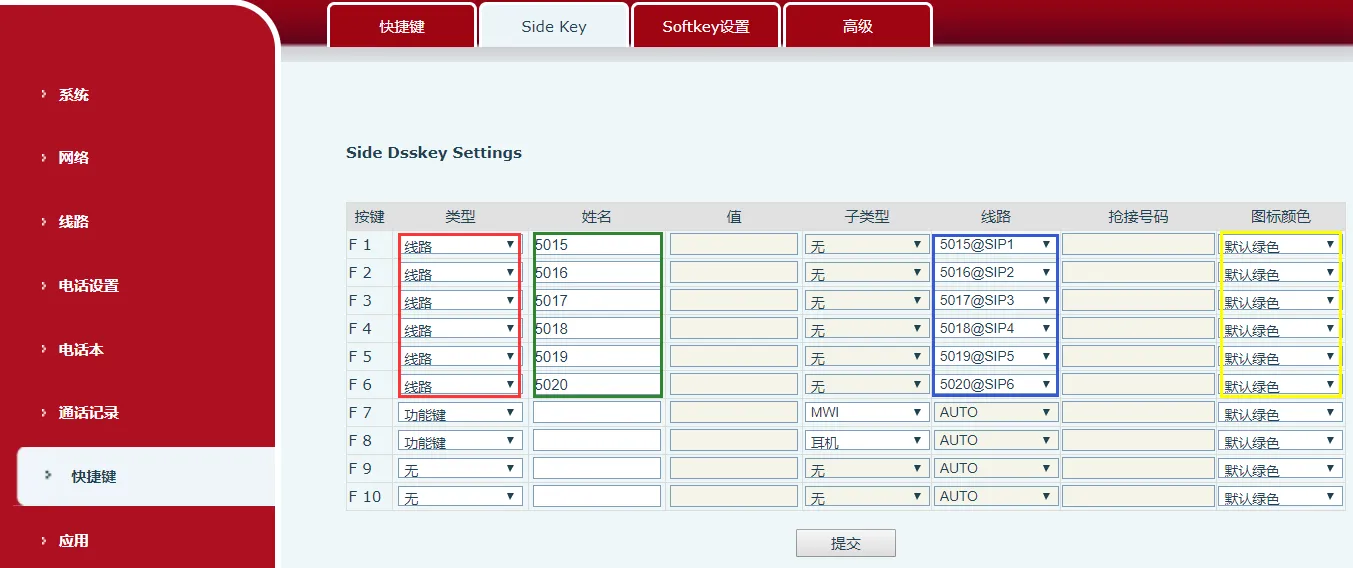
On X Series phones, when the line key is pressed, if the line is not registered, the phone enters line setting mode. If the line is already registered, the phone enters dialing mode, and a number can be entered to place a call.
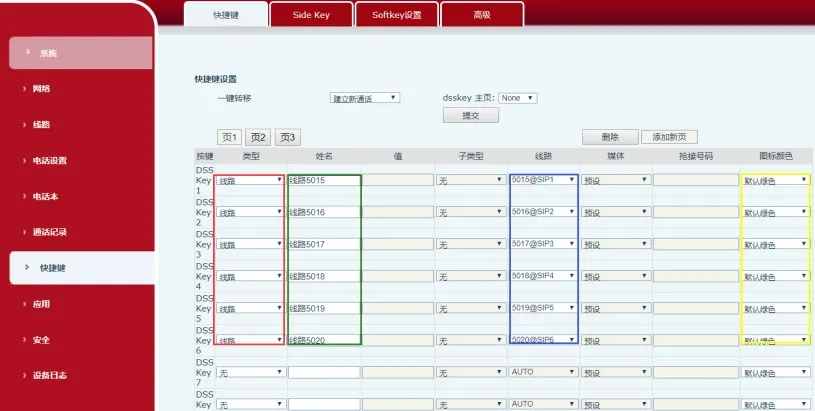
Setup instructions: In the red box, select the Line type. The green and yellow boxes are optional. In the blue box, select the corresponding SIP line.
Side screen setup method

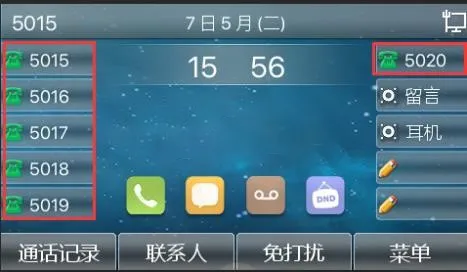
Side screen setup effect
Secondary screen setup method
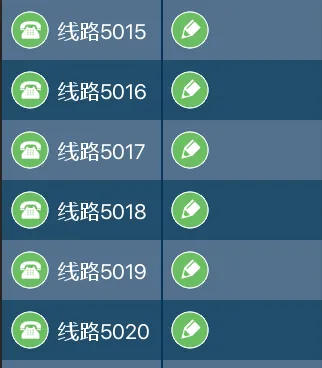
Secondary screen setup effect
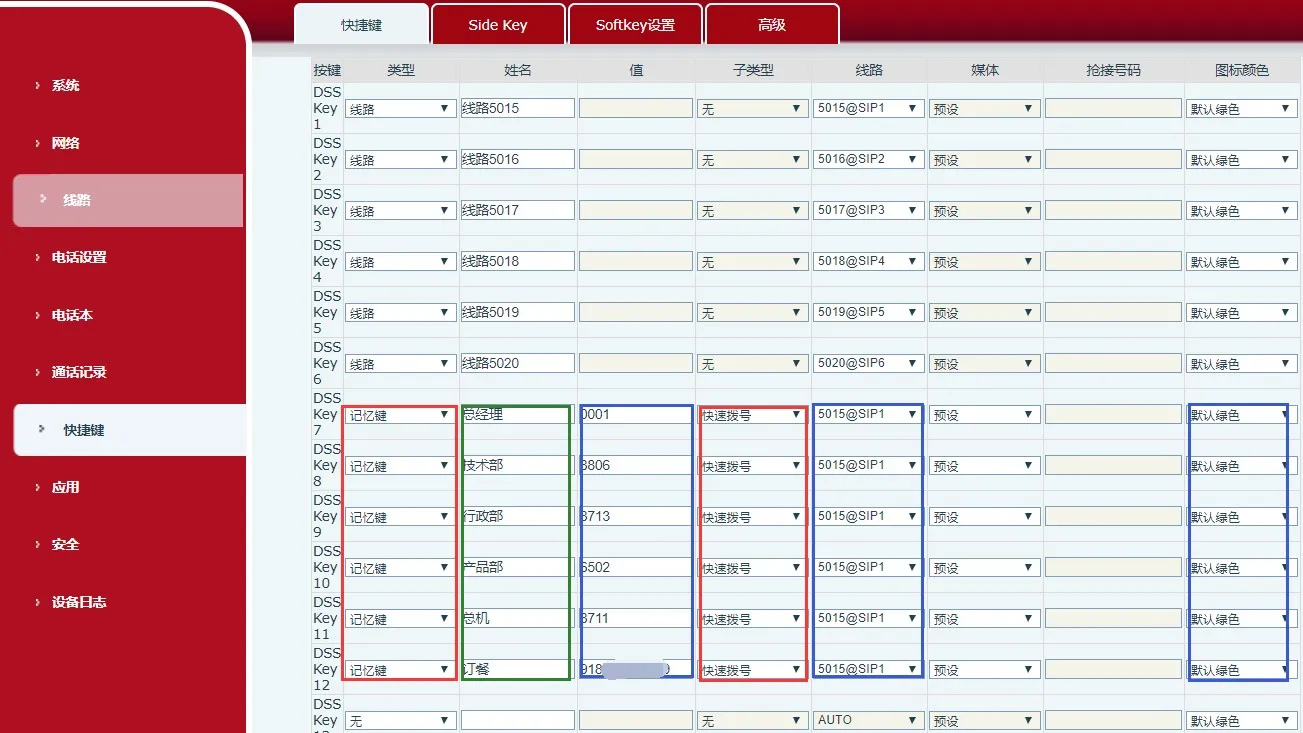
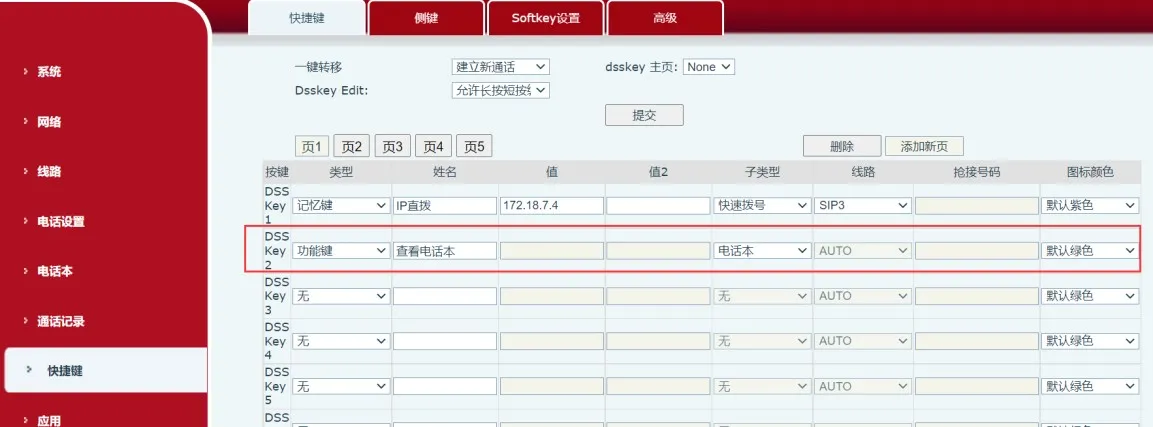
Setup instructions: In the red box, select the Memory Key and Speed Dial types. The green box is optional. Blue box 1 is used to set the called number. Blue boxes 2 and 3 are used to select the corresponding SIP line and color based on your requirements.
Setup method
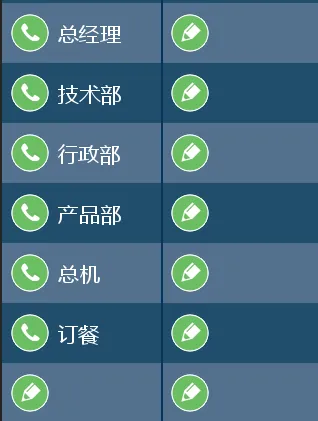
Setup effect

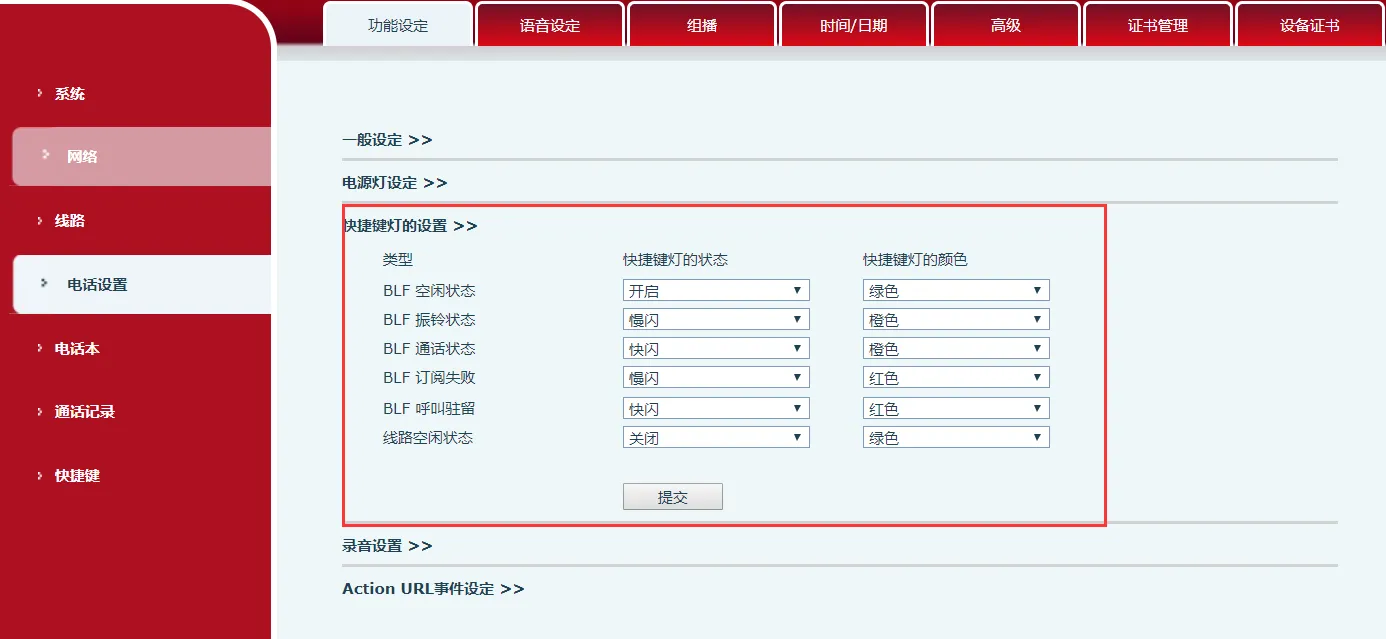
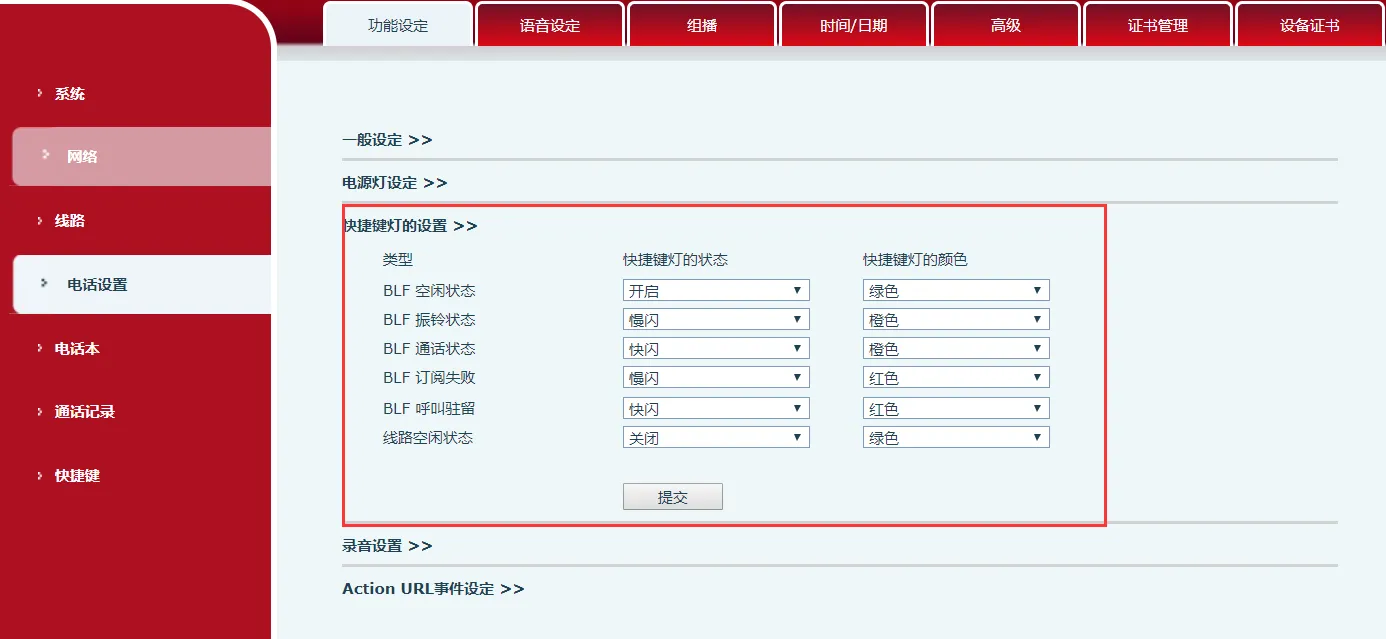
The BLF function can subscribe to the status of the remote phone, including idle, ringing, and in-call states. By configuring three shortcut key indicator colors (red, green, and orange), the phone can display the remote phone’s status and also support operations such as calling the subscribed phone, blind transfer, attended transfer, and conference.
Shortcut key indicator light configuration
BLF Function Configuration on the Phone
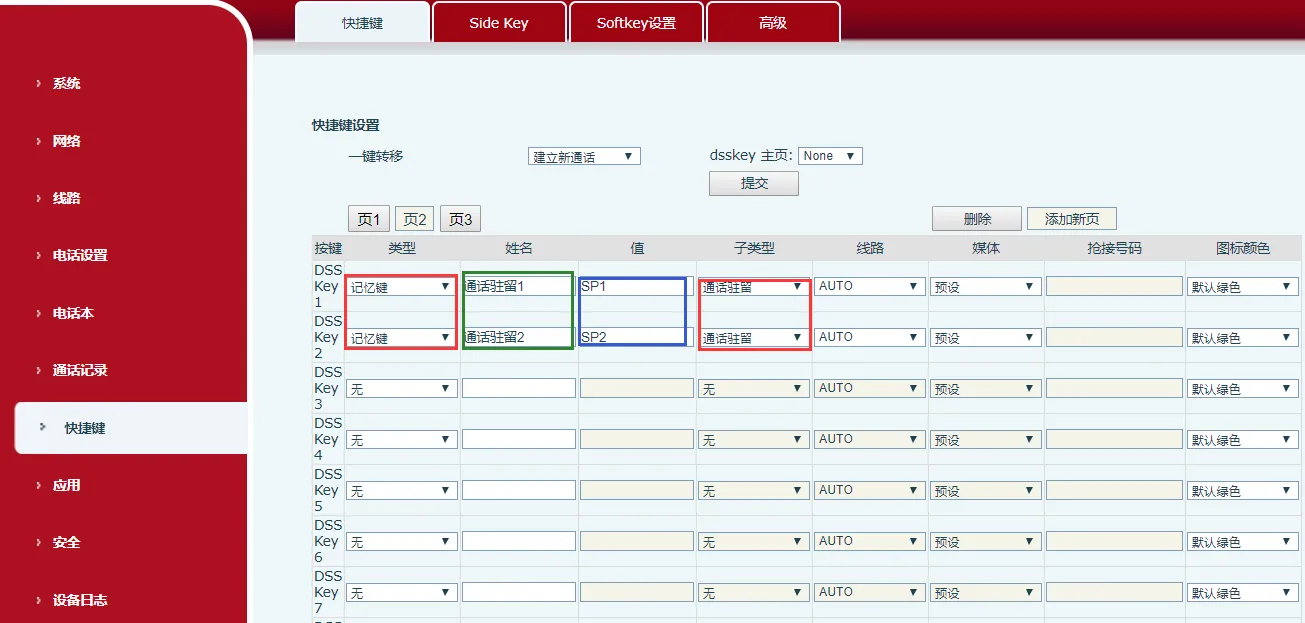
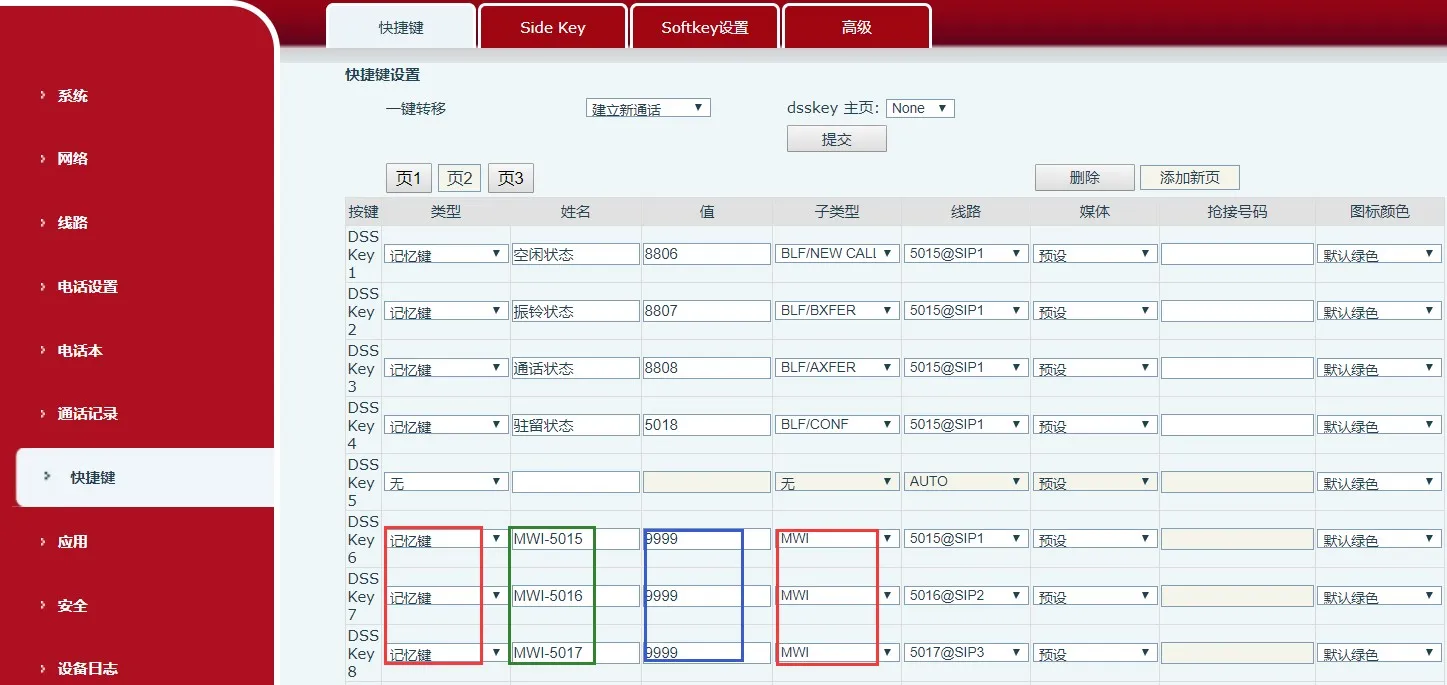
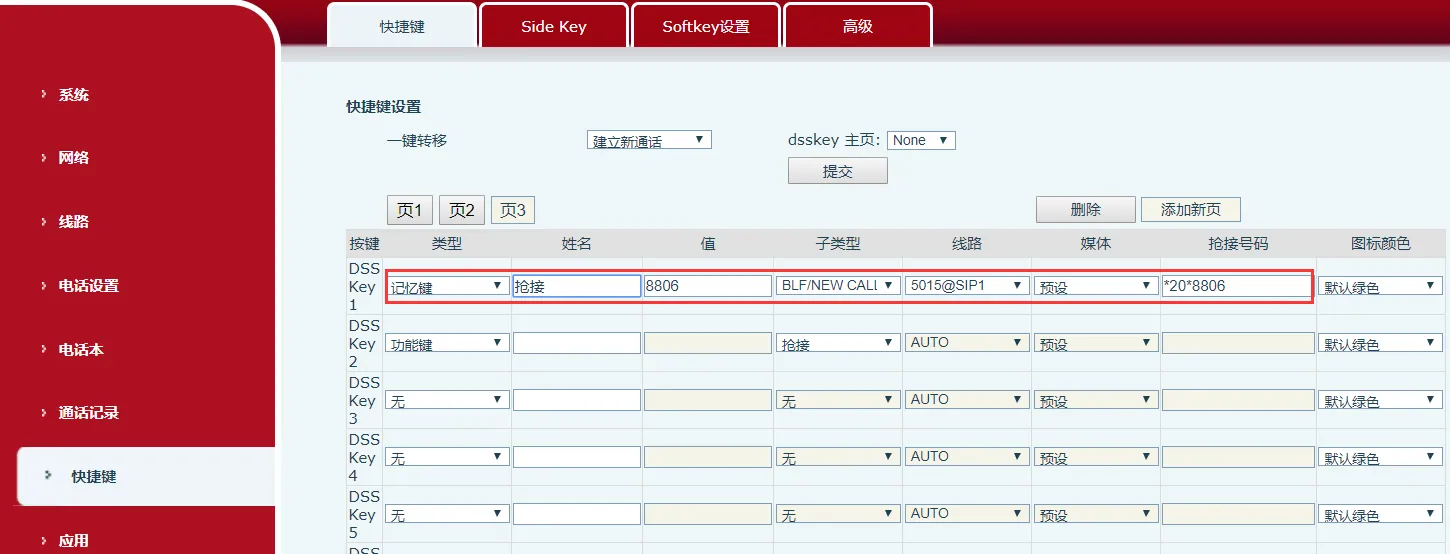
Setup instructions: In the red box, select the Memory Key and BLF types. The green box is optional. In blue box 1, enter the number to subscribe to.
Setup method
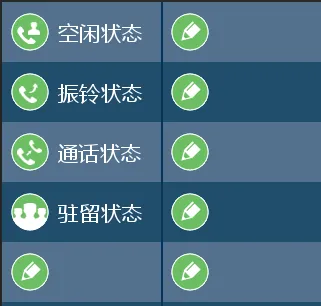
Setup effect
Usage notes: After phone A is configured as described above, when phones B, C, D, and E perform actions such as calling, talking, or parking calls with 8806 / 8807 / 8808 / 5018, phone A can indicate their status through shortcut key indicator colors and flashing patterns.
This key is used to view the Voice Mail information of all SIP lines. When pressed in standby mode, it displays the number of new and old voice messages for each line. It can also be pressed after going off-hook to directly call the voice mailbox of the current line in use (the corresponding SIP line must have an MWI Number configured).


Function description: When another phone is ringing, press this key and then enter the number of the ringing phone to answer the incoming call on behalf of that phone.
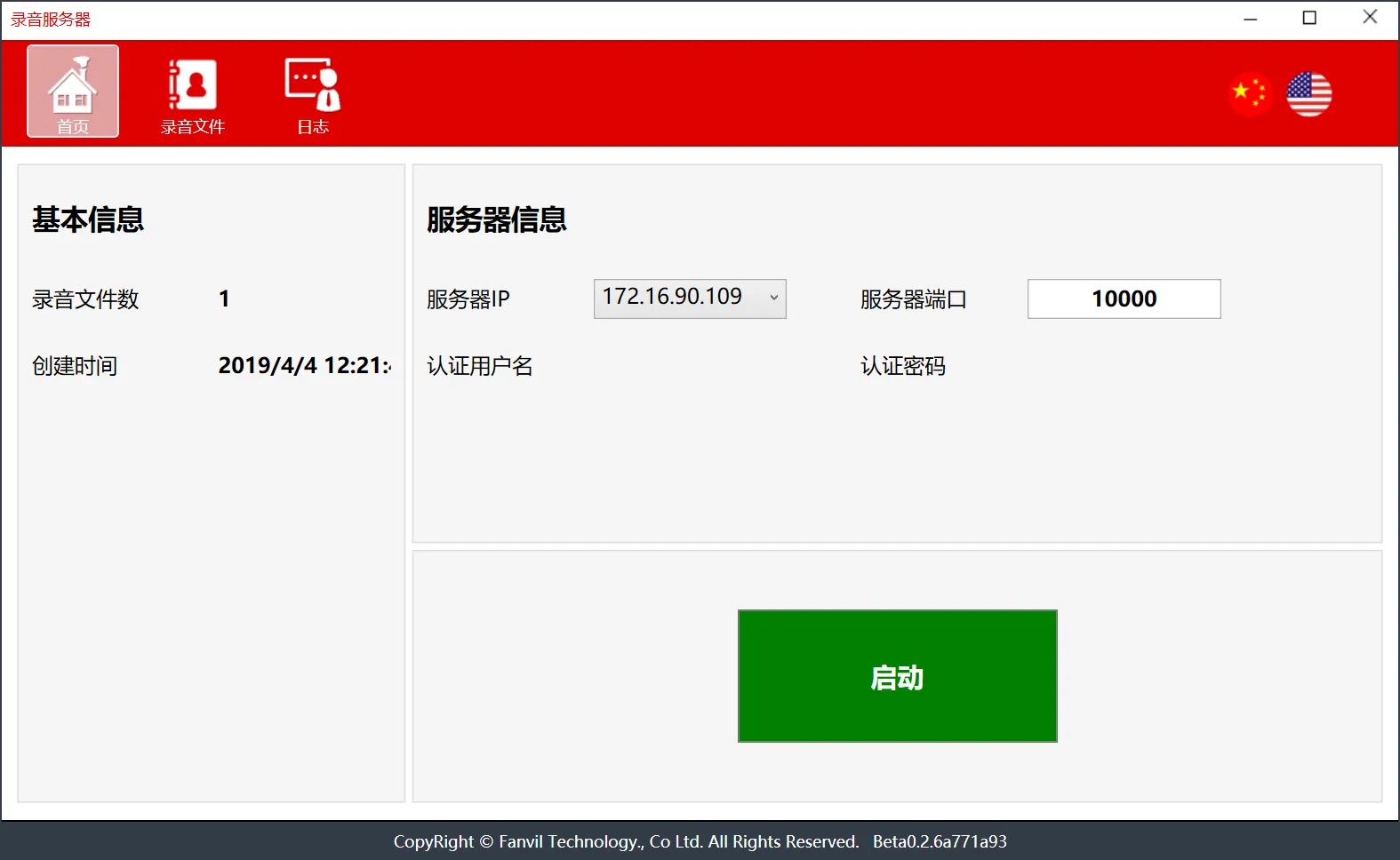
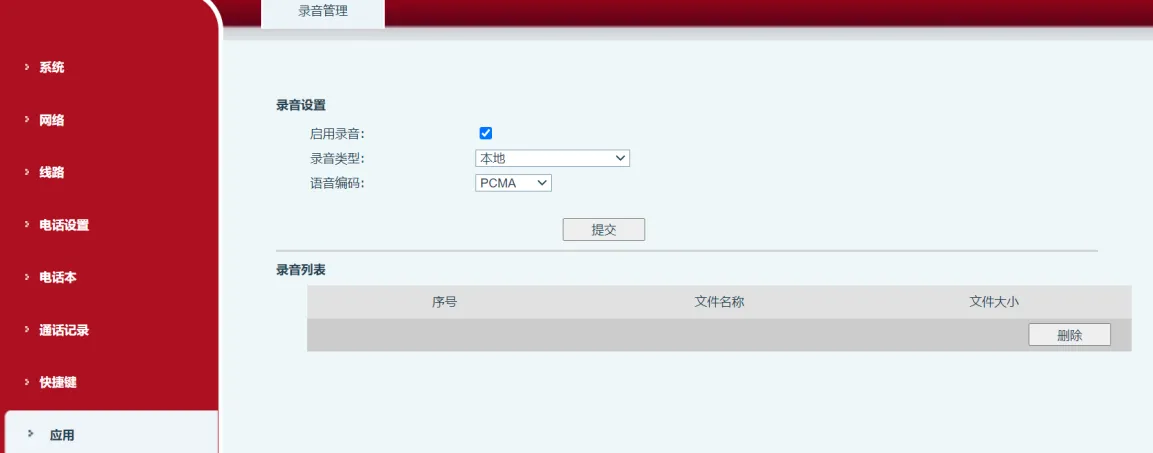
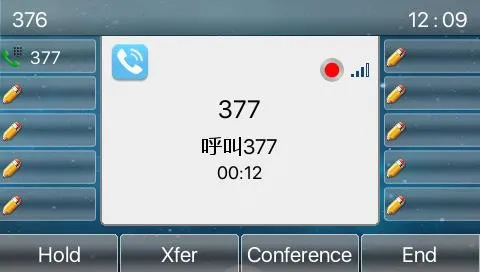
Server-side recording: A recording application must be downloaded and used together with this function.


When the phone is in standby mode, press this key to enable the phone lock function. Pressing the key will lock the phone.